The Hardware
One device. Your entire network, covered.
Plug it in between your router and your devices. That's the whole setup.
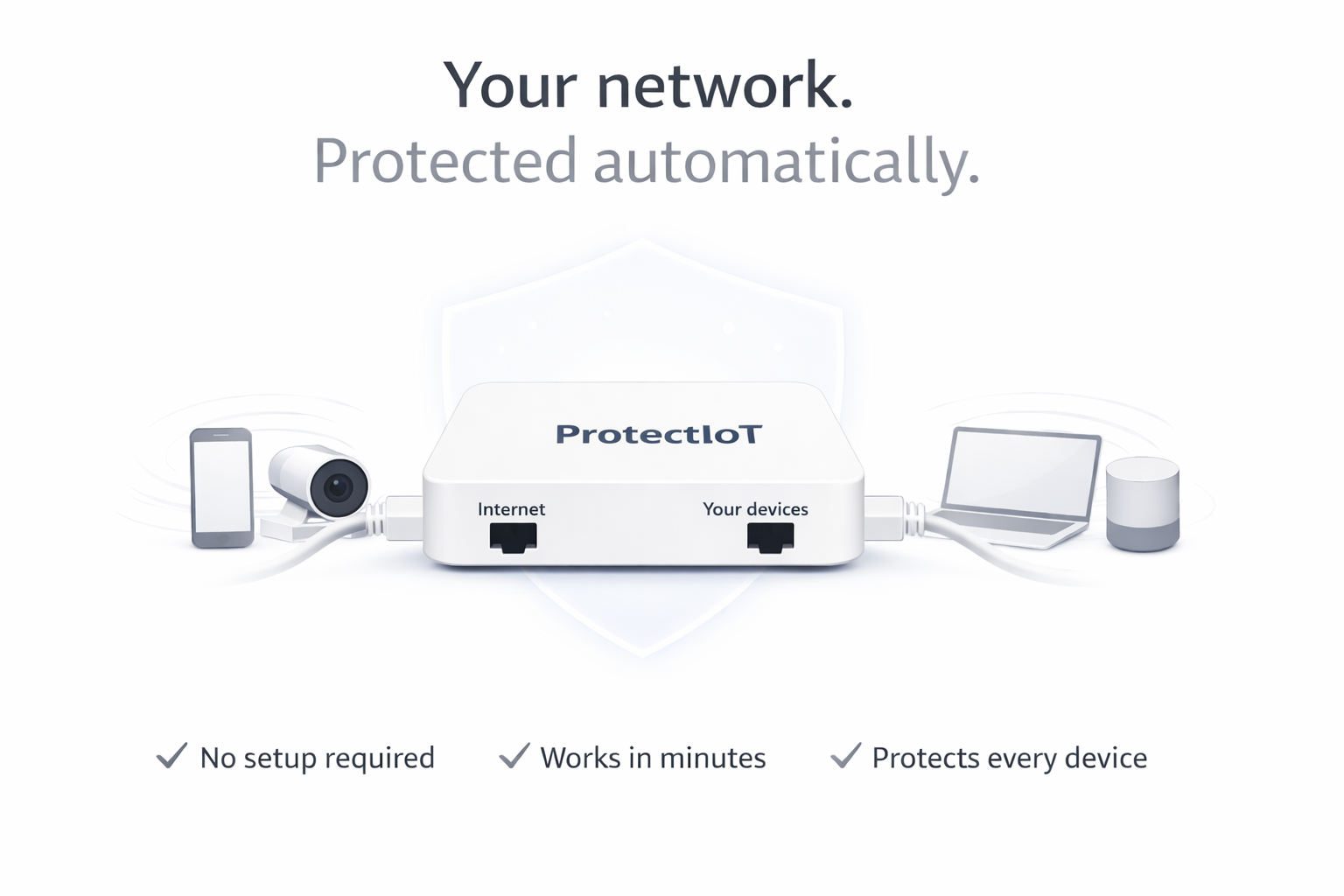
ProtectIoT scans every device on your network — cameras, printers, thermostats — finds the open doors, and tells you exactly how to close them. No breach needed to learn the lesson.
We never read your data · Setup in 10 minutes · No IT team needed
Plug it in between your router and your devices. That's the whole setup.
Changing a default password takes two minutes. Updating firmware takes five. But you can't fix what you can't see — and right now, you can't see any of it.
Cameras, thermostats, printers, and locks come with default passwords like "admin/admin" and firmware that hasn't been updated in years. These aren't exotic hacks — they're the first thing any attacker tries. And they work, because nobody changed the defaults.
How many devices are on your network right now? What firmware version is your camera running? Does your printer still use the factory password? Most business owners can't answer any of these — which means the vulnerabilities stay open, silently, until someone exploits them.
Cisco, Palo Alto, Armis — the tools that scan for IoT vulnerabilities cost €10,000–€50,000 per year and require a full-time IT team. They were built for enterprises. Small businesses are left to discover their weaknesses the hard way.
No IT specialist. No configuration. No learning curve.
Use our pre-configured ProtectIoT router (plug & play), or install the OpenWRT plugin in 10 minutes. No cables to run, no IT ticket to file, no weekend project.
ProtectIoT maps your entire network and checks every device: default passwords still in use, firmware that needs updating, known security holes. Named clearly — no cryptic IP addresses.
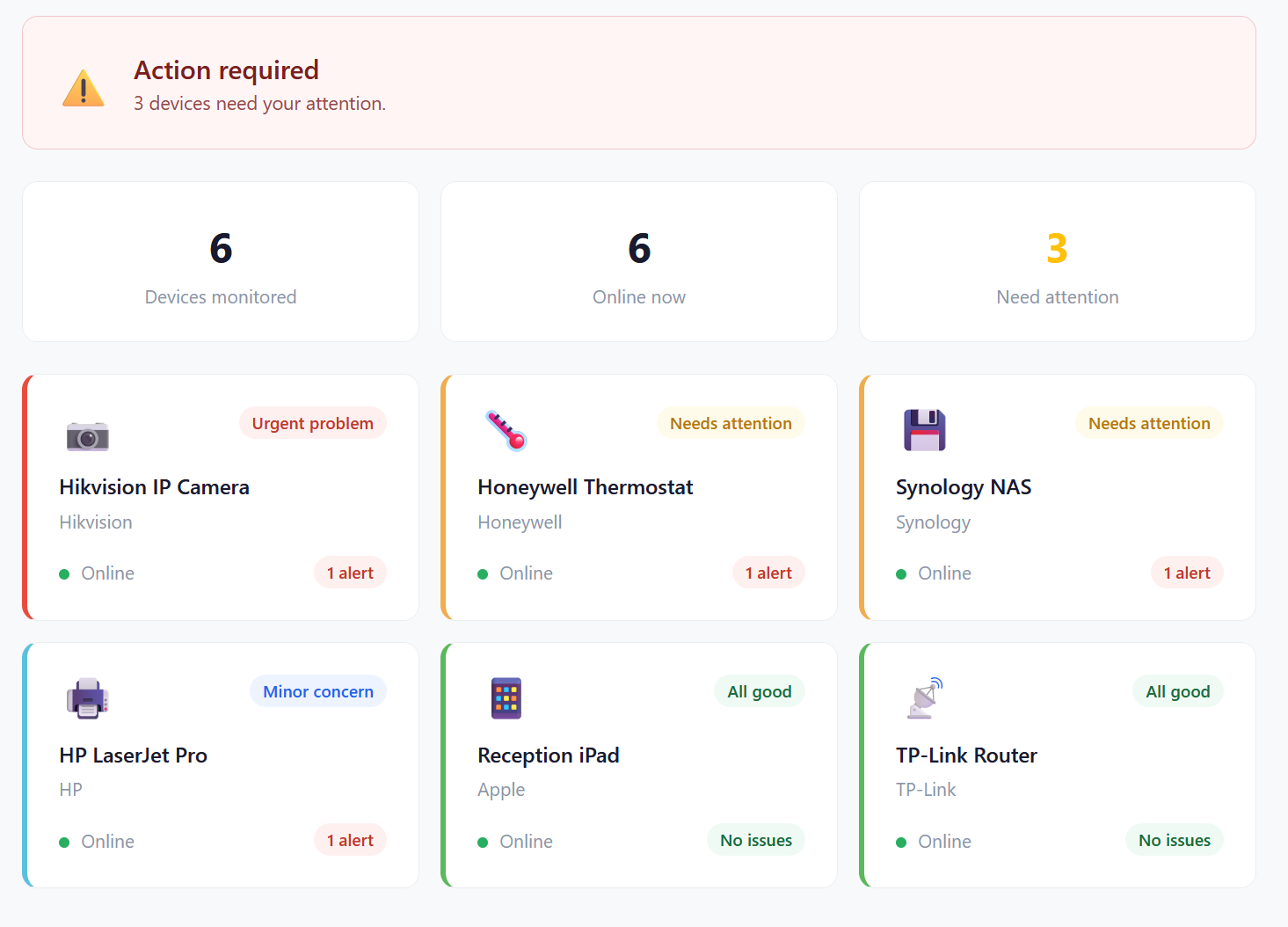
You get a clear list of what to fix and exactly how to fix it. "Your Hikvision camera uses the default password. Here's how to change it — takes 2 minutes." Do that, and the risk is gone.
ProtectIoT monitors your network continuously. New device connects with a weak password? You'll know. Something behaves unexpectedly? You'll hear from us. Otherwise — silence.
What you'll see in the app
Three things ProtectIoT does that nothing else in your price range does.
Enterprise tools don't fit. Consumer tools don't cover enough. ProtectIoT is the only option that does both — at a price that makes sense.
| What matters to you | Enterprise (Claroty, Armis) |
ProtectIoT | Consumer Box (Bitdefender Box) |
Antivirus/EDR (CrowdStrike) |
|---|---|---|---|---|
| Scans for default passwords & weak firmware | ✓ | ✓ | ✗ | ✗ |
| Tells you exactly how to fix each issue | ✗ | ✓ | ✗ | ✗ |
| Monitors cameras, thermostats, printers | ✓ | ✓ | ~ | ✗ |
| Shows you everything on your network | ✓ | ✓ | ✗ | ~ |
| No IT team required to operate | ✗ | ✓ | ✓ | ✗ |
| Affordable for a small business | ✗ | ✓ | ✓ | ✗ |
| Annual cost | €10,000+/yr | €240/yr | ~€130/yr | €1,000+/yr |
A GDPR fine for a data breach starts at €10,000. ProtectIoT costs €20 a month. The math isn't complicated.
No commitment • Up and running in 10 minutes
Leave your details and we'll set you up with a free scan. No IT knowledge needed. Takes 10 minutes.
Straight answers, no fluff.
No. ProtectIoT ships as a pre-configured router — you plug it in between your existing router and the rest of your network, and it starts scanning automatically. If you prefer to use your own router, there's a 10-minute OpenWRT plugin install. Either way, no IT background required.
No. ProtectIoT operates at the network metadata level: it sees which devices are connected and analyses traffic patterns to detect anomalies. It does not perform deep packet inspection and never reads the content of your communications, files, or credentials. Think of it as a security camera for the door, not a microphone inside the room.
Any device connected to your network — IP cameras, smart thermostats, printers, NAS drives, smart locks, access control panels, smart TVs, and more. ProtectIoT works at the network level, so nothing needs to be installed on the devices themselves. If it's on your network, ProtectIoT can see it.
ProtectIoT monitors your network continuously, 24/7. A full vulnerability scan runs daily and cross-references device firmware against the latest CVE databases. You'll only receive notifications when something genuinely needs your attention — no noise, no false alarms.
You get a push notification on your phone (or an email, if you prefer) with a plain-language description of the issue and step-by-step instructions to fix it. For example: "Your Hikvision camera is still using the factory password — here's how to change it in 2 minutes." Most fixes require no technical knowledge and take under five minutes.
Consumer boxes like Bitdefender Box focus on blocking known malware at the network edge. They don't actively scan your IoT devices for weak passwords or outdated firmware, and they don't tell you how to fix what they find. ProtectIoT is purpose-built for IoT vulnerability discovery: it identifies the specific configuration weaknesses on each device and gives you the exact remediation steps. It's the difference between a smoke alarm and a full fire-safety audit.
Yes. ProtectIoT is designed with European privacy regulations in mind. We process only network metadata (device identifiers and traffic patterns) — never personal data or message content. Data is stored on EU-based infrastructure and retained only as long as necessary to provide the service. A full Data Processing Agreement is available on request.
Yes. There is no minimum contract and no cancellation fee. You can cancel from your account dashboard at any time and your subscription will run to the end of the current billing period. The hardware is yours to keep regardless.
Changing a default password takes 2 minutes. Updating firmware takes 5. But first you need to know which devices have the problem — and that's exactly what ProtectIoT tells you.
We never read your data • Metadata analysis only • Plug & play setup